Detect
Faces are found for you
Templates arrive with their faces already detected, each with its own rectangle. Nothing is guessed from where you tapped on screen.
Photo & video face swap
Choose a template, upload one clear selfie, and let the model do the rest. Photo and video face swaps in a few taps — no timeline, no masking, no plugins.
01
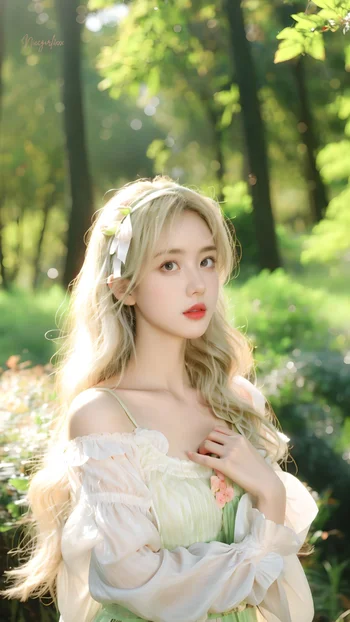
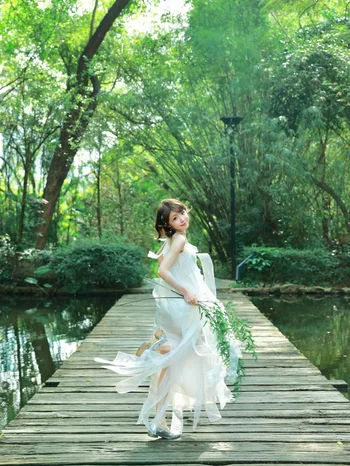
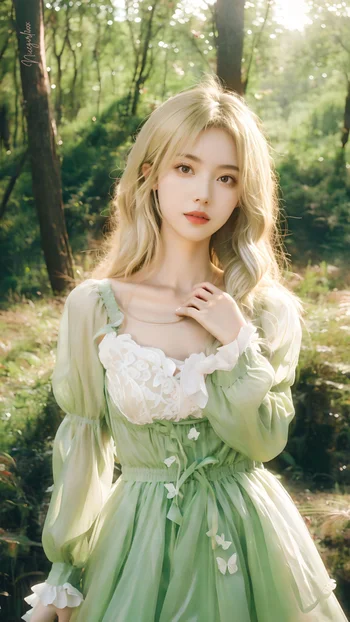
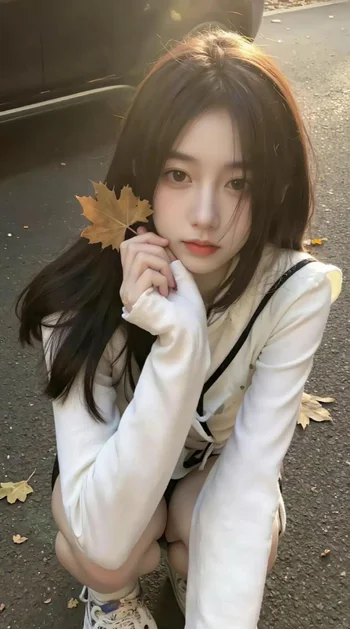
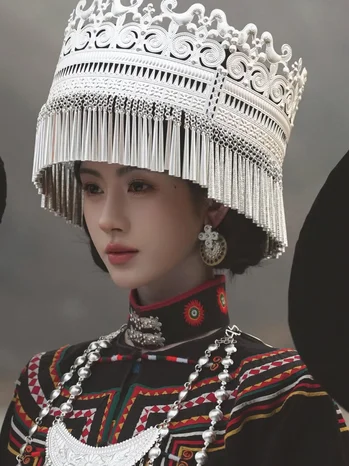
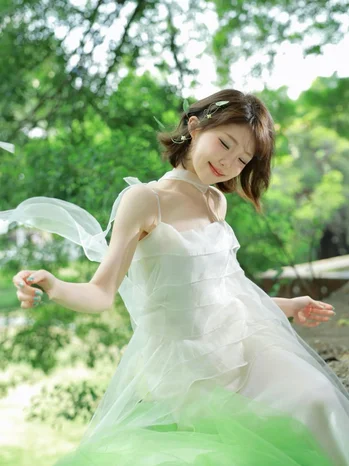
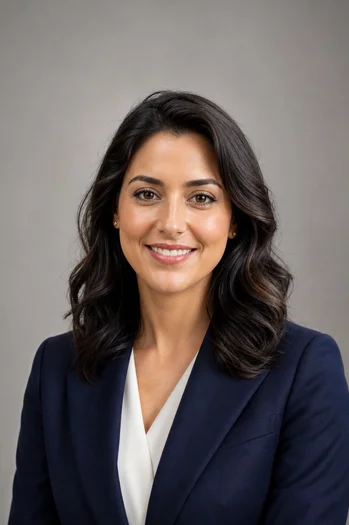
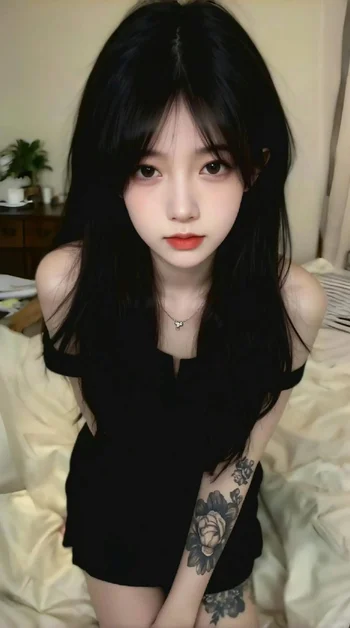
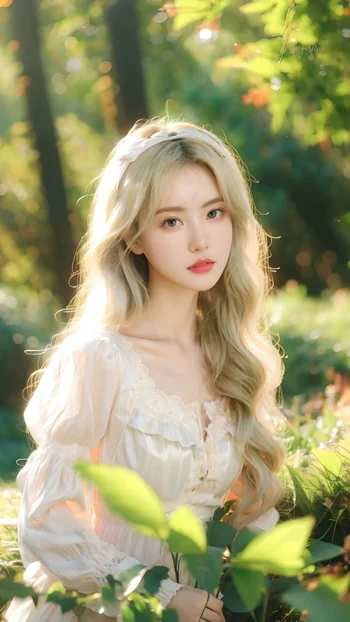
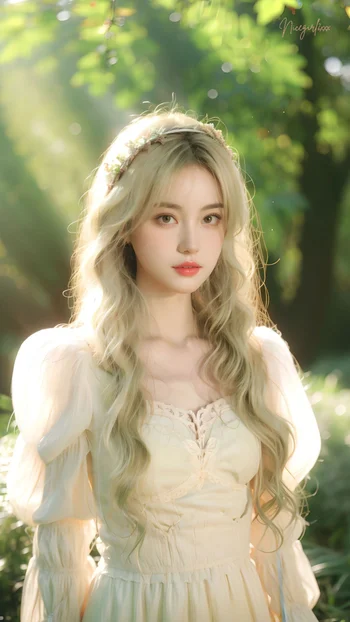
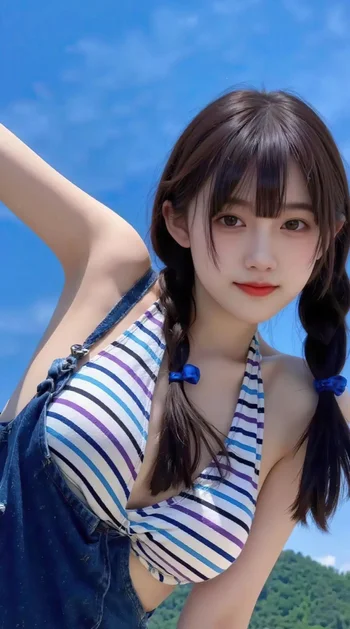
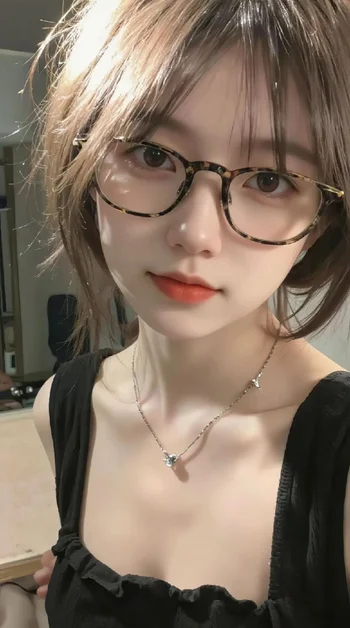






Every tile below is a real template from the live catalogue. Like counts are the app's own. Tap through in the app to swap your face into any of them.


02
There is no model to train and no album to hand over. One selfie is reused across every template you try.
01
Photo and video templates are served live and refresh as new ones are published — nothing is bundled into the download.
02
Front-facing, unobstructed, evenly lit. The server checks that exactly one face is detectable before it accepts the job.
03
Photos finish in seconds. Video jobs are queued — you can leave the screen and the result appears in Creations when it is ready.
04
Open the finished piece at full resolution and download it to your device, or share it wherever you choose.
03
Photo and video swaps are separate flows because they fail in different ways — and each is tuned for its own failure mode.
Photo templates are full-resolution stills — many are 1440 by 2556, portrait orientation, the shape a phone screen actually is. You pick one, upload a selfie, and the swap returns in seconds. Because the result is a single frame, the model can spend its whole budget on one face: skin tone, edge blending and the direction of the light are all matched to the plate you chose.
Nothing is downscaled on the way in. The picker is deliberately configured with no maximum width, height or quality — the file you select is the file that is uploaded.
Video templates are short vertical clips, typically eight to seventeen seconds at 720 by 1280. The swap is applied frame by frame and has to stay stable as the head turns, so the job is queued rather than answered on the spot — the app polls for it and drops the finished clip into Creations.
You are not limited to the catalogue. Supply your own clip and, if it contains several people, step through sampled frames, tap the face you mean, and only that person is replaced.
04
The hardest part of any face swap is telling the model which face you meant.
Detect
Templates arrive with their faces already detected, each with its own rectangle. Nothing is guessed from where you tapped on screen.
Choose
Pick a face from the detected set. The rest of the frame — everyone else in the shot — is left exactly as it was.
Verify
If the crop you chose resolves to more than one face, the job is refused rather than guessing — you pick again instead of getting the wrong person back.
05
Most disappointing results trace back to the source selfie, not the template.
A screenshot has already been resized to your screen and re-encoded once. The detail the model needs — pore texture, eyelash edges, the exact line of the jaw — is gone before the file ever reaches the server, and no amount of processing recovers it.
Reach for the original camera roll file instead. It is uploaded untouched, so whatever quality it has survives all the way through.
The model can match light, tone and pose. It cannot invent the pixels your source photo never had.
06
Face swapping is fun with your own face, with a friend who is in on the joke, and with a template built for it. It is not fun on the receiving end when somebody's likeness is used without them knowing.
Upload only photos and videos you have the right to use. Do not use someone's likeness without their permission, do not present a swap as a genuine recording of something that happened, and follow the laws and platform rules that apply where you live. Finished work can be reported from its detail screen.
07
An AI face swap replaces the face in an existing photo or video with a face from a picture you supply. The model matches pose, lighting and skin tone so the replacement sits naturally in the original frame, rather than pasting a cut-out on top.
One. A single clear, front-facing selfie is enough — there is no training step and no album to upload. The same selfie can be reused across as many templates as you like.
Yes. Video templates are short vertical clips, typically 8 to 17 seconds at 720 by 1280. You can also supply your own video instead of using a template.
Multi-face templates let you tap the specific face you want to replace. Everyone else in the frame is left untouched.
No. The picker is configured with no maximum width, height or quality setting, so the file you choose is uploaded at its original resolution. Frame extraction and face cropping for custom videos are lossless PNG at native size.
The server runs face detection before accepting a job. An upload is rejected when no face is found, or when a crop you selected resolves to more than one face. Re-shoot with the face front-on, unobstructed and evenly lit.
Seventeen: English, Simplified and Traditional Chinese, Arabic, Hindi, Indonesian, Turkish, Russian, Vietnamese, Thai, Korean, French, German, Japanese, Spanish, Portuguese and Italian. Right-to-left layout is supported for Arabic.
Only photos and videos you have the right to use. Do not upload someone's likeness without their permission, and follow the laws and platform rules that apply where you live.
Free to download on iOS and Android. Bring one clear selfie and leave with a scene.